Main Page
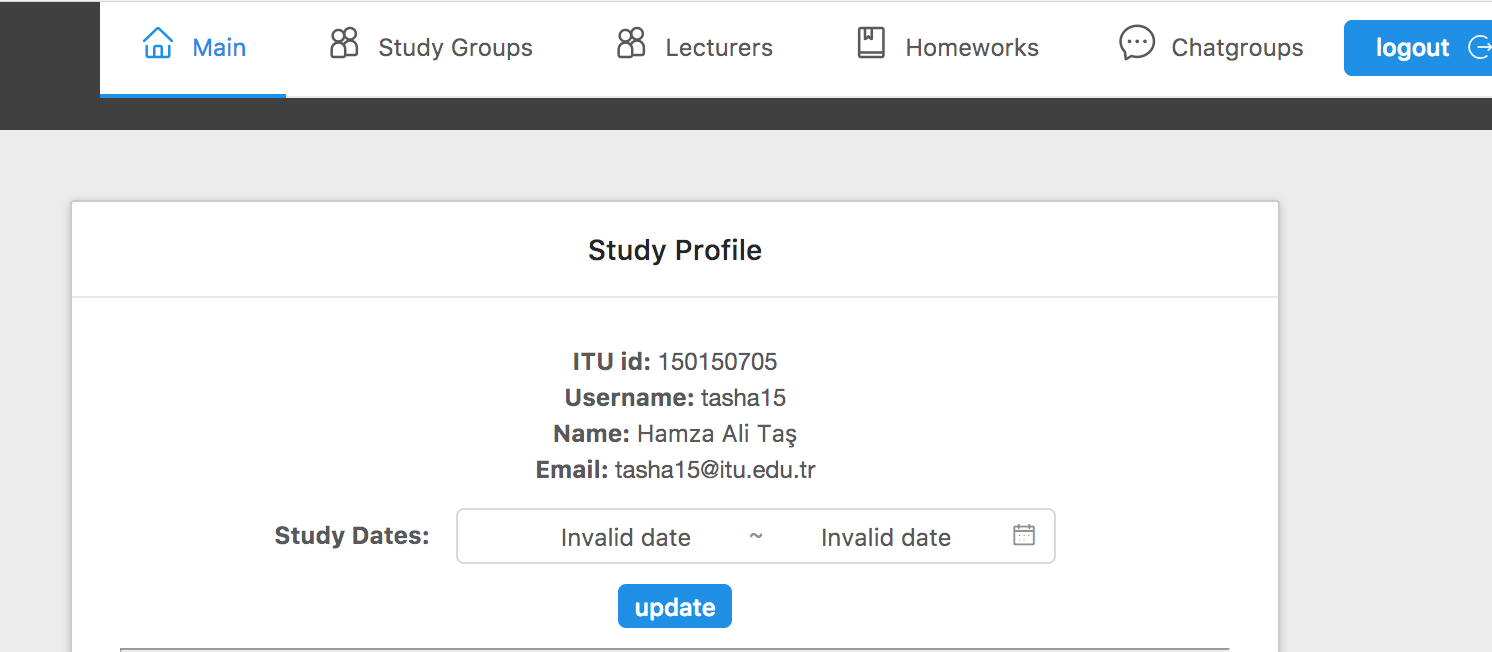
This page provides to modify the details of a logged in student and add or remove courses.
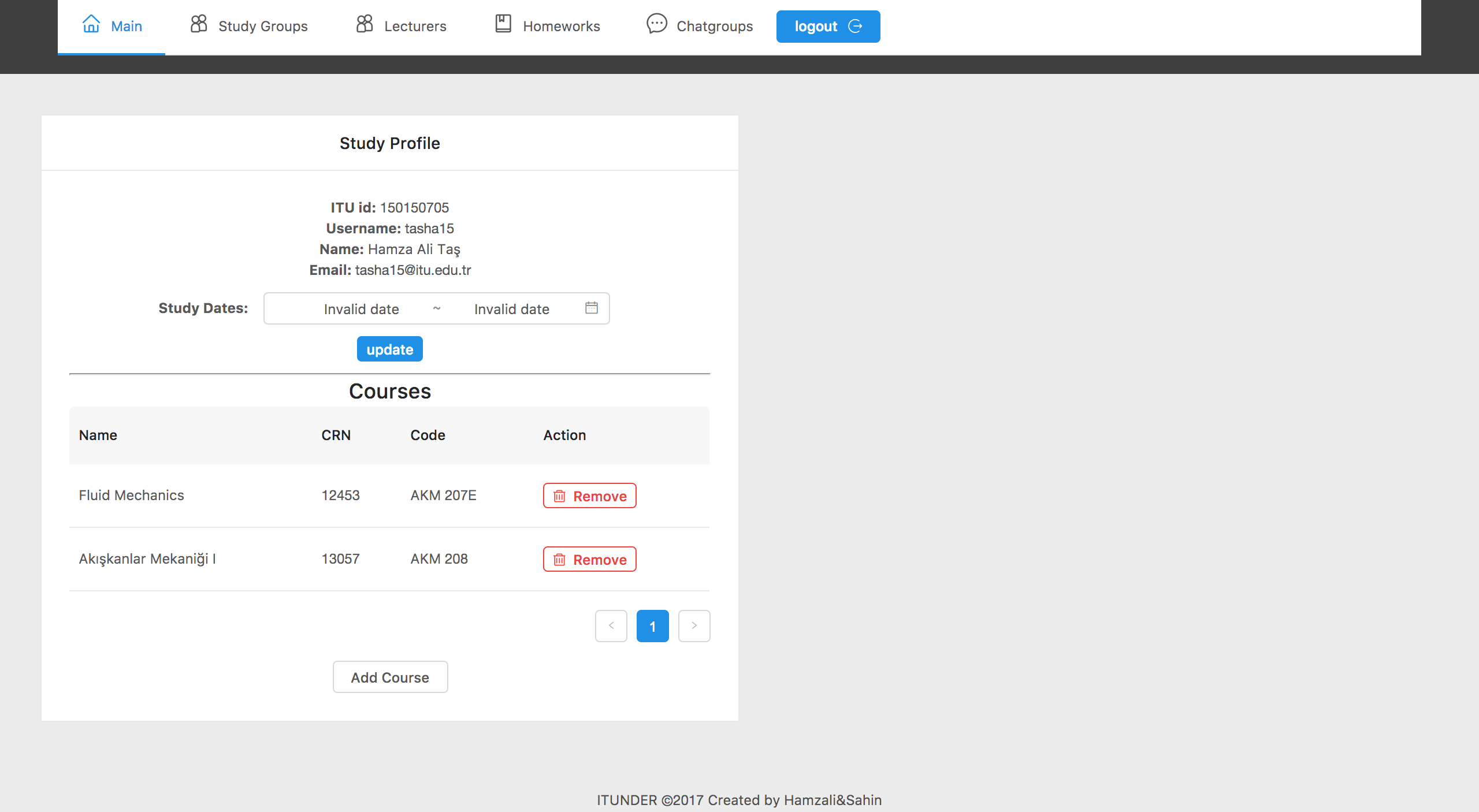
Student Details
-
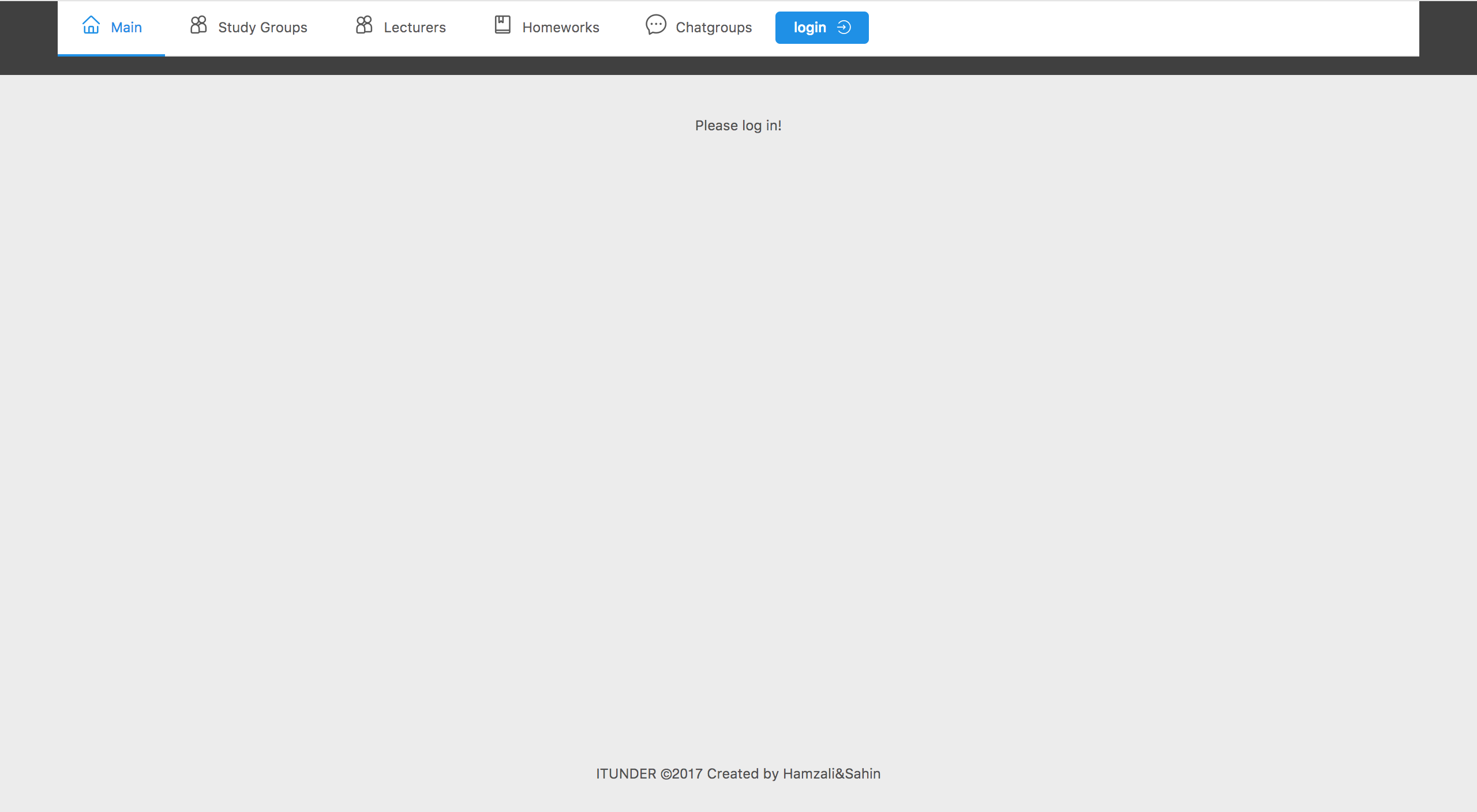
Before login nothing is visible to user only a message in the main page.
-
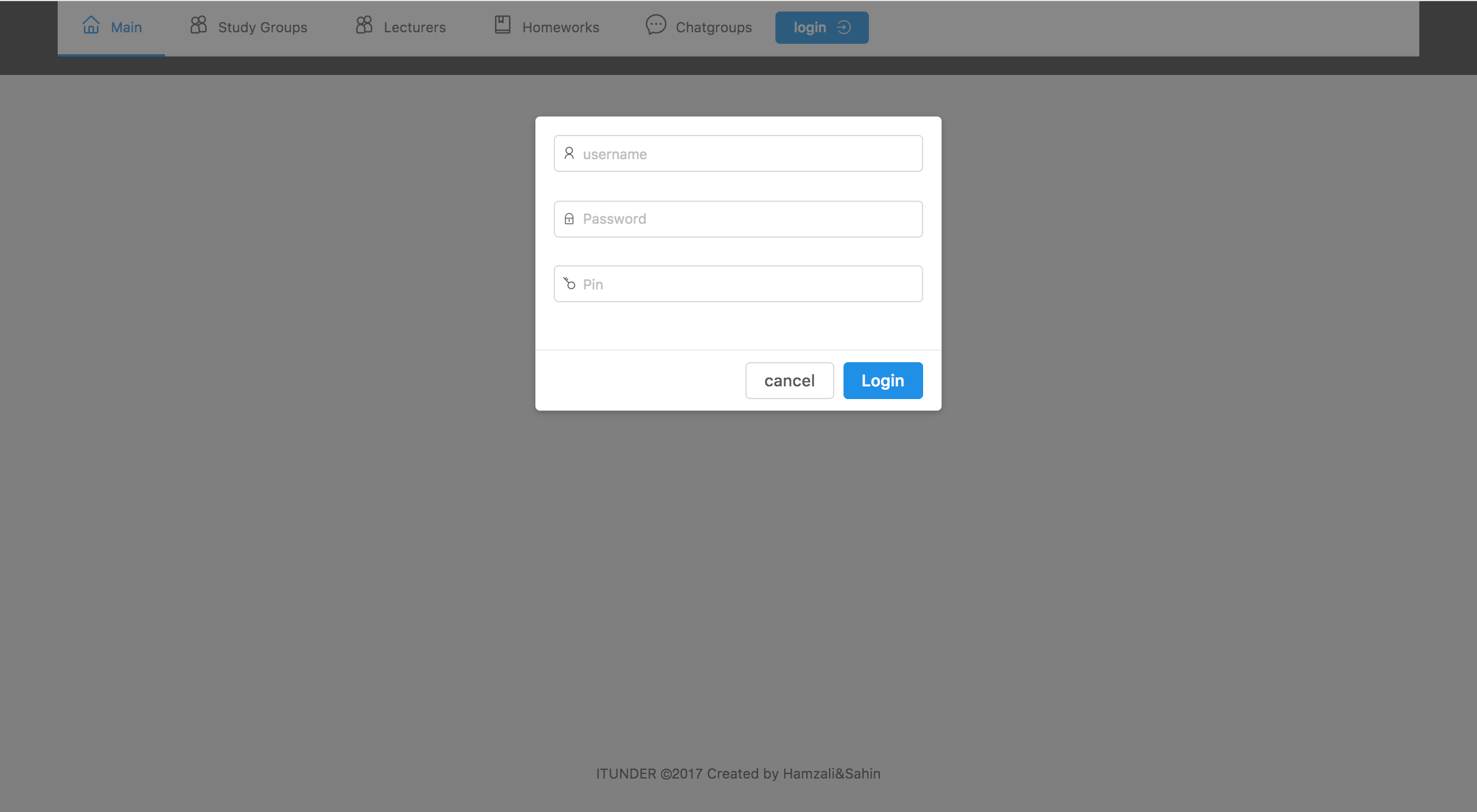
For details to be available user must login using the login button with ITU credentials. Login system uses the ITU Mobile api to fetch the relevant student data.
-
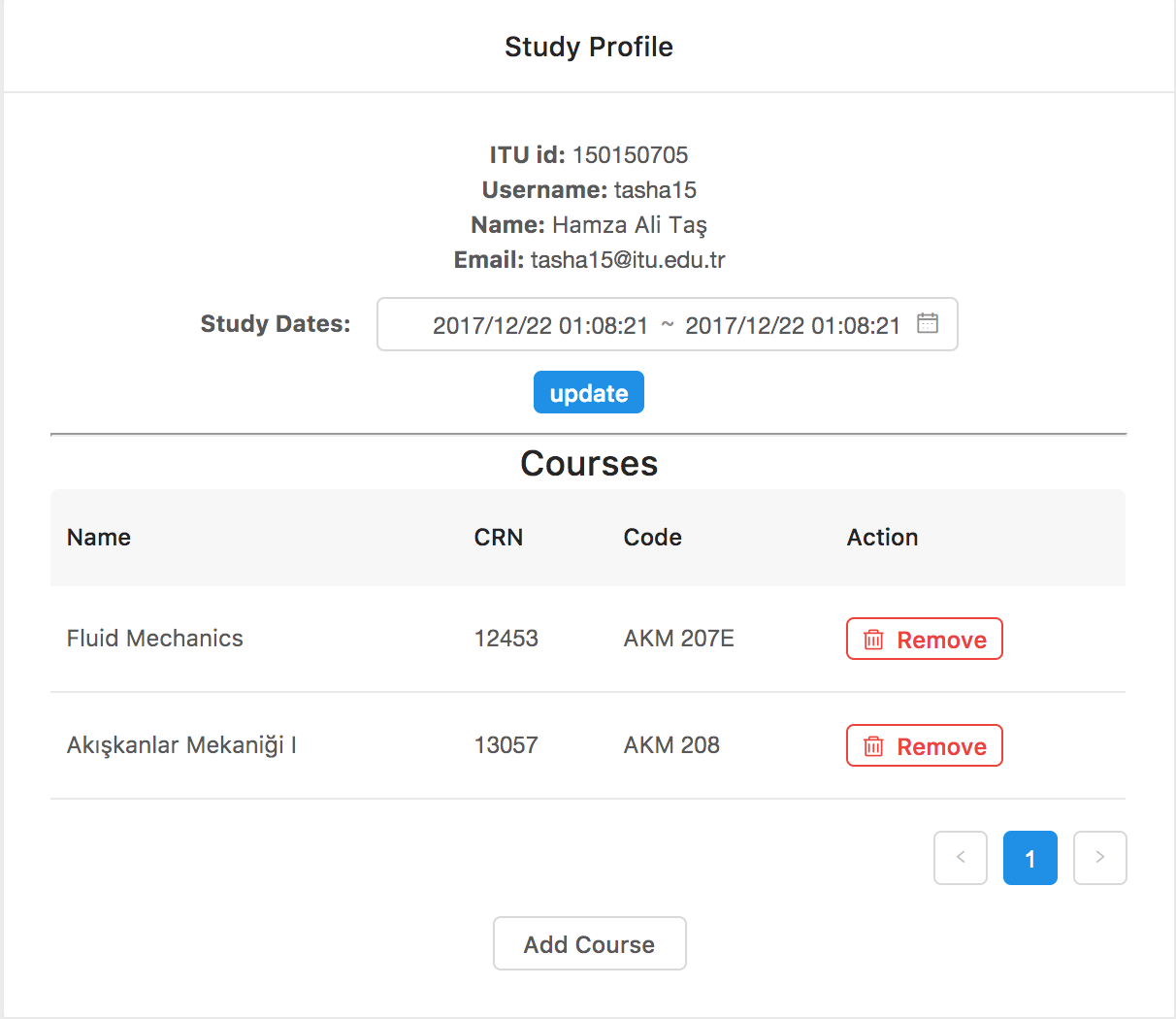
After login student profile details and courses will be visible.
-
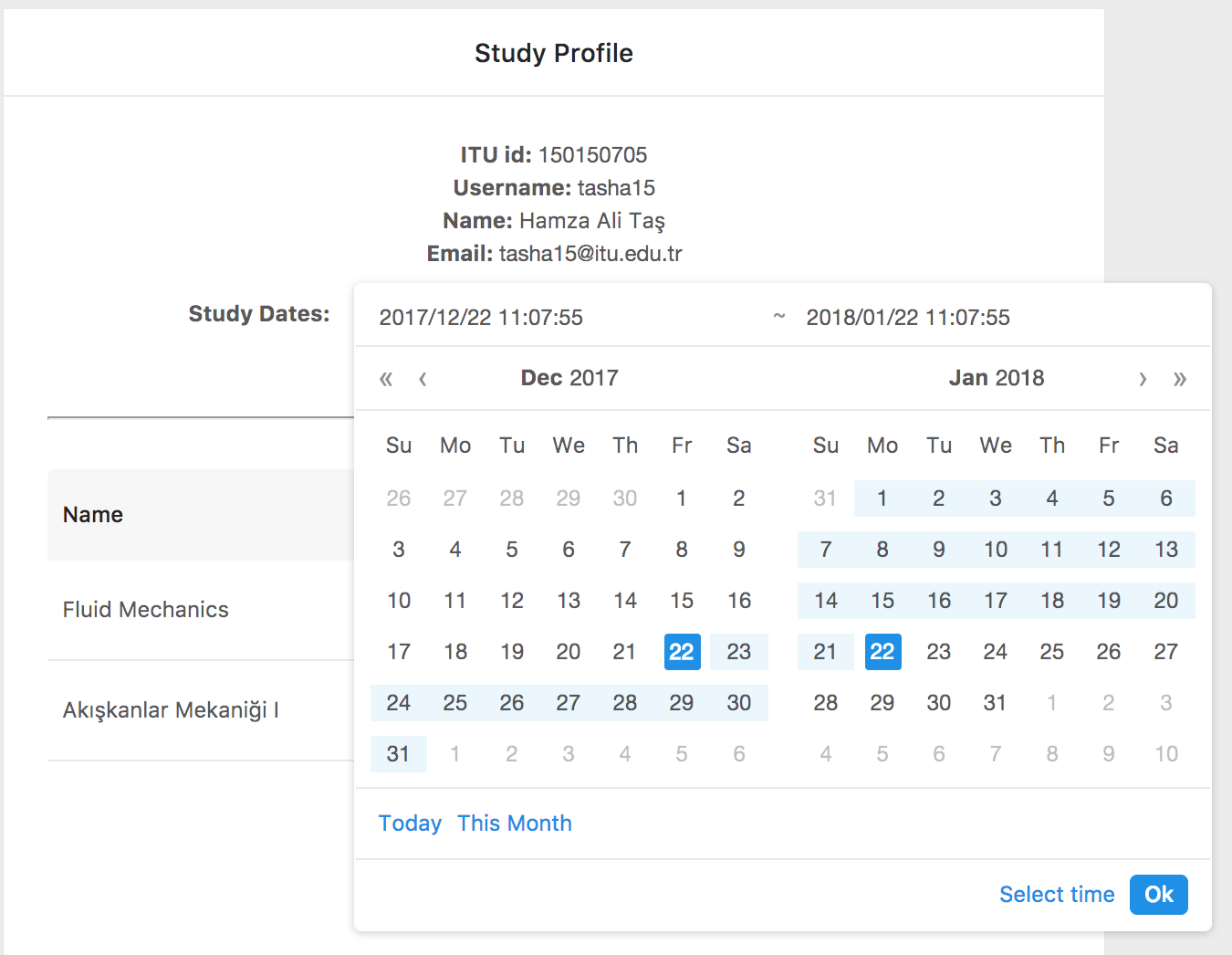
Study date preference details can be changed in the Study Profile section.
Courses
-
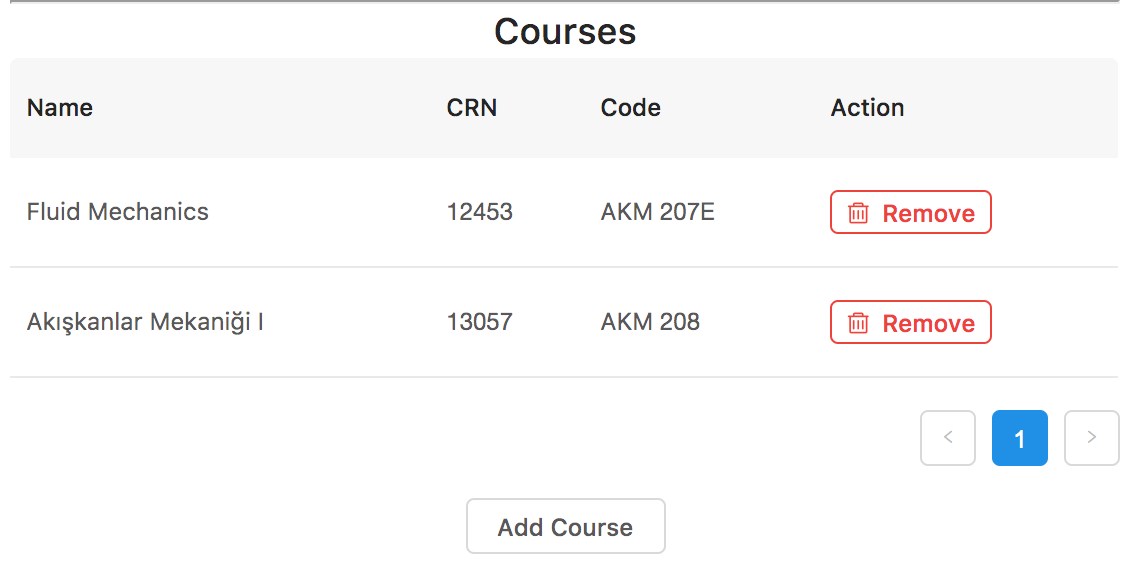
Courses details are visible in courses section. New courses can be added by clicking on add course and can be deleted with remove button.
-
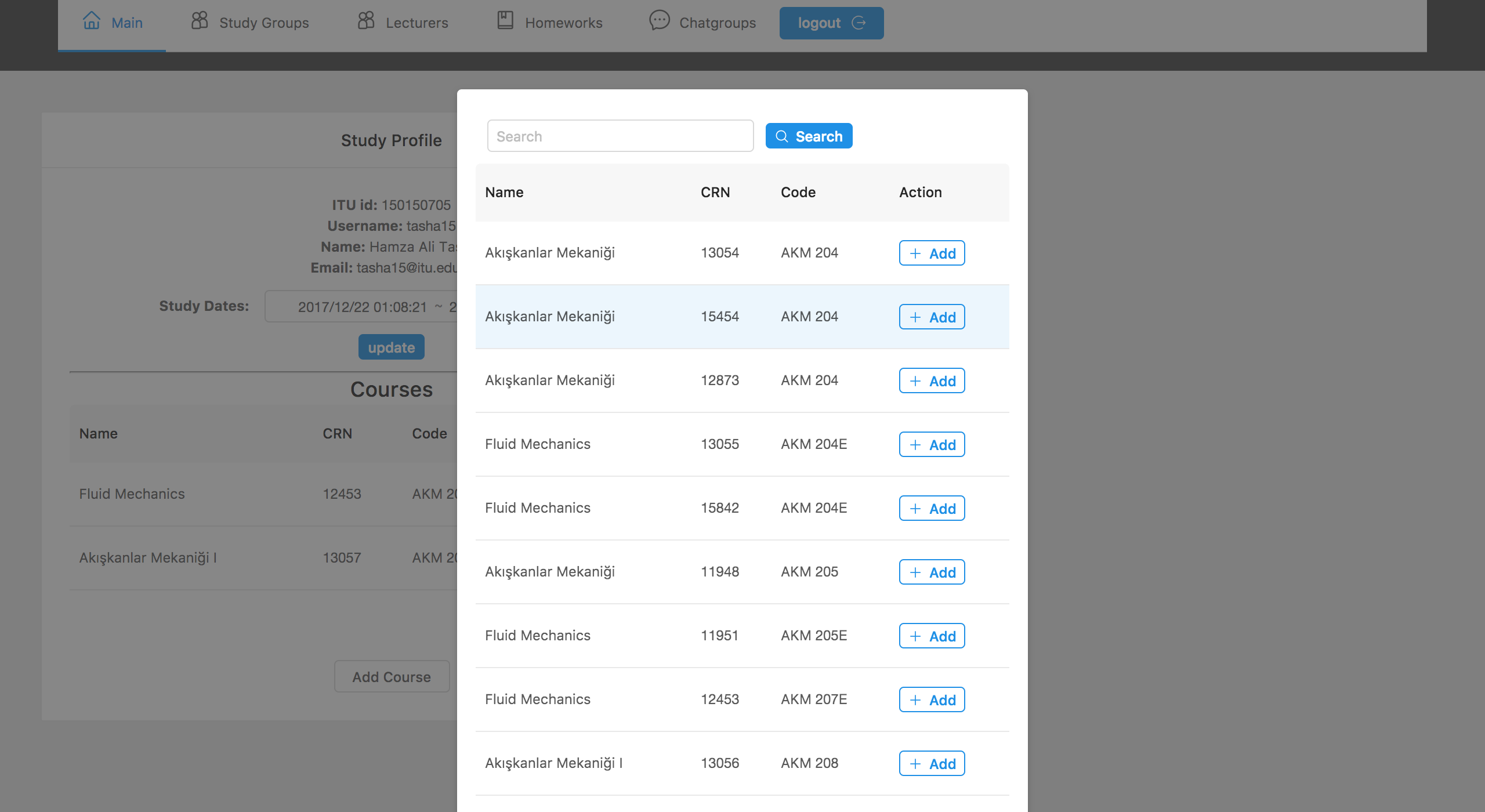
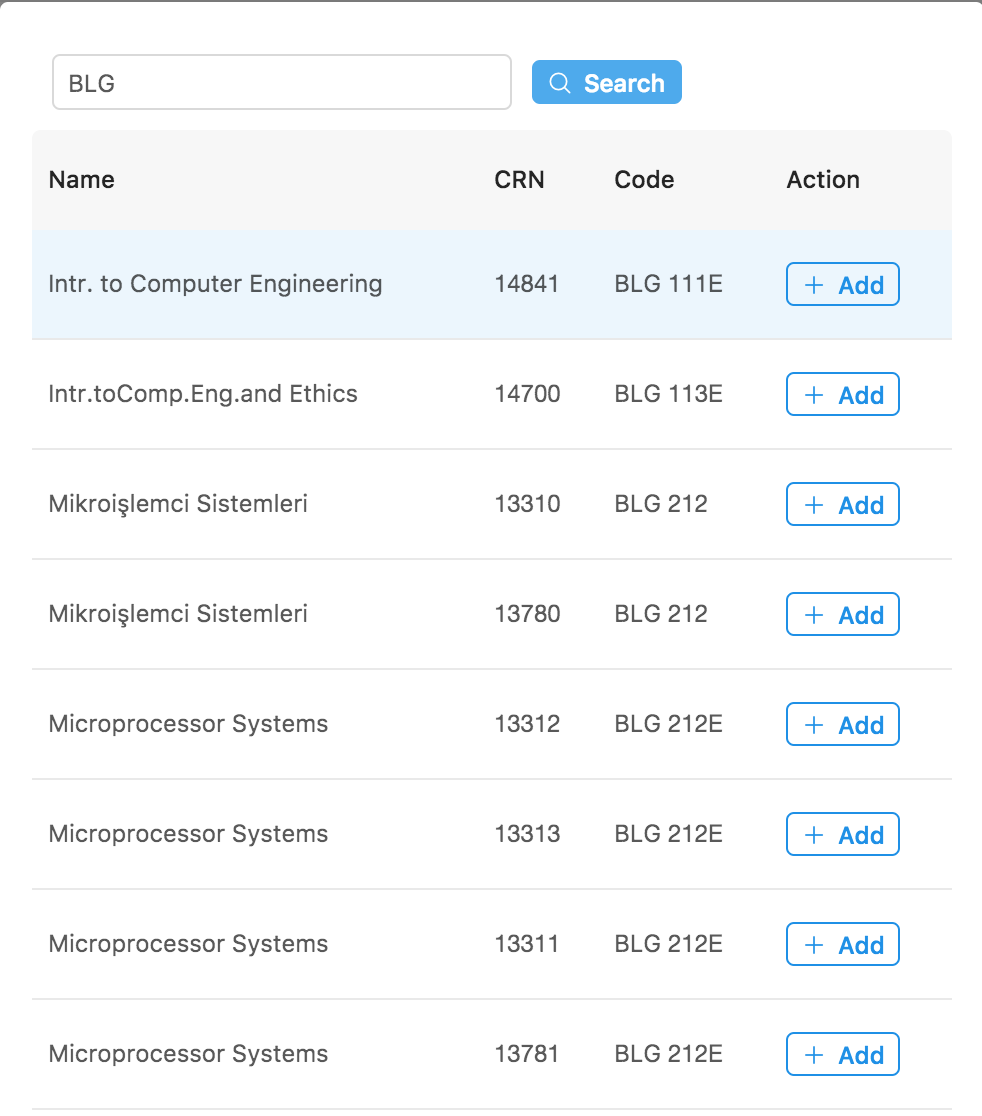
After clicking the add course course list will appear.
-
Search with crn, course name or course code with the text search above.
-
When add is clicked on the course list element, it will add the course to your list.
